Unity 3D Shader
Toon Shader
Toon Shader
Overview
Overview
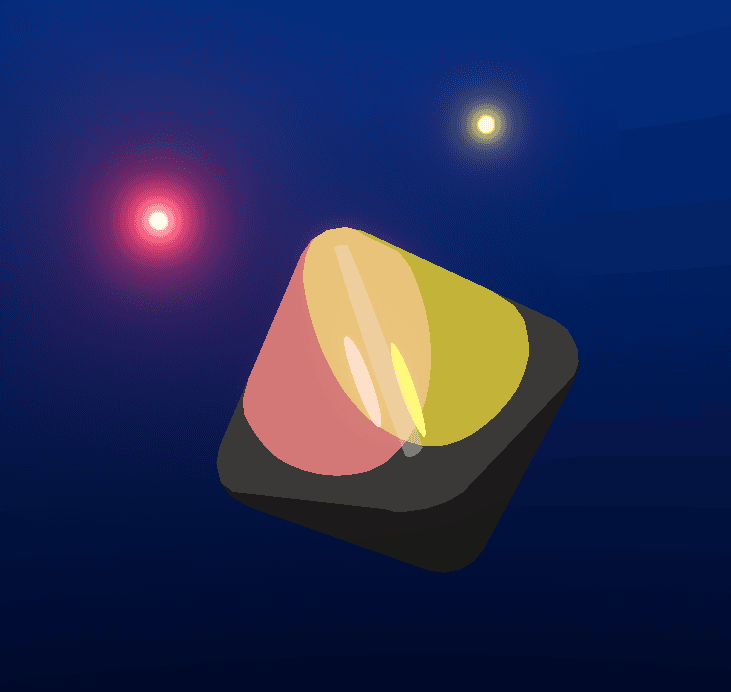
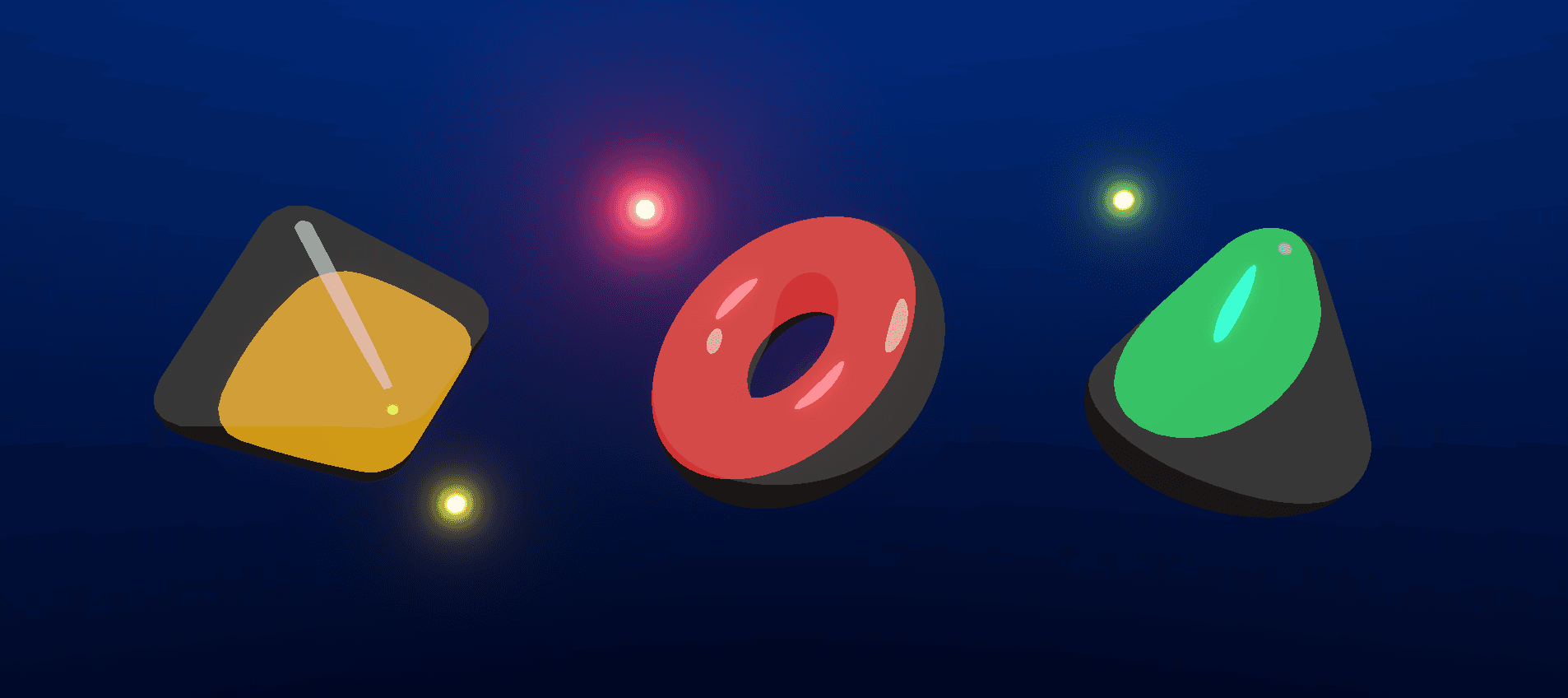
This shader was created in Unity using the Universal Render Pipeline, Shader Graph, and HLSL to implement a custom lighting model. It is a stylized toon shader that supports both the main light and additional lights, as well as shadows.
It includes a variety of parameters that provide extensive control over diffuse, specular, and rim lighting behavior.
This shader is a simplified version of my Cel Shading Shader. For a more in-depth explanation of the lighting model and calculations, I recommend visiting the Cel Shading Shader page.
This shader was created in Unity using the Universal Render Pipeline, Shader Graph, and HLSL to implement a custom lighting model. It is a stylized toon shader that supports both the main light and additional lights, as well as shadows.
It includes a variety of parameters that provide extensive control over diffuse, specular, and rim lighting behavior.
This shader is a simplified version of my Cel Shading Shader. For a more in-depth explanation of the lighting model and calculations, I recommend visiting the Cel Shading Shader page.

Diffuse Lighting
Diffuse Lighting
Diffuse lighting is computed using a simple Lambertian operator. Areas where the Lambertian value is greater than 0 correspond to the illuminated side of the mesh, while areas where it is less than or equal to 0 correspond to the shadowed side.
We can introduce a couple of properties to control how diffuse lighting is calculated such as Diffuse Lighting Offset, which controls the size of the illuminated region by adding an offset to the Lambertian value before it is saturated.
Another useful property is Minimum Diffuse Main Light, which prevents shadowed areas from becoming completely dark by enforcing a minimum level of illumination.
Diffuse lighting is computed using a simple Lambertian operator. Areas where the Lambertian value is greater than 0 correspond to the illuminated side of the mesh, while areas where it is less than or equal to 0 correspond to the shadowed side.
We can introduce a couple of properties to control how diffuse lighting is calculated such as Diffuse Lighting Offset, which controls the size of the illuminated region by adding an offset to the Lambertian value before it is saturated.
Another useful property is Minimum Diffuse Main Light, which prevents shadowed areas from becoming completely dark by enforcing a minimum level of illumination.




Specular Lighting
Specular Lighting
Specular lighting is calculated using the Blinn–Phong reflection model, which estimates highlight zones based on the alignment between the surface normal and the halfway vector between the light and view directions.
To avoid the smooth fading across the surface, characteristic of the specular highlight, a Specular Threshold property can be introduced. This threshold determines the point at which the highlight becomes visible, converting it into a defined region. Lower threshold values produce larger highlights, while higher values restrict the highlight to a smaller area.
Specular lighting is calculated using the Blinn–Phong reflection model, which estimates highlight zones based on the alignment between the surface normal and the halfway vector between the light and view directions.
To avoid the smooth fading across the surface, characteristic of the specular highlight, a Specular Threshold property can be introduced. This threshold determines the point at which the highlight becomes visible, converting it into a defined region. Lower threshold values produce larger highlights, while higher values restrict the highlight to a smaller area.



Rim Lighting
Rim Lighting
An extra lighting feature is rim lighting. This effect uses a Fresnel term to generate illumination near the edges of a surface, helping to emphasize the silhouette. Similar to specular lighting, a Rim Threshold parameter can be introduced to remove the smooth gradient typically associated with rim lighting and instead create a defined lighting region. This parameter also controls the overall thickness of the rim effect.
Additional properties can be used to further customize the appearance of the rim lighting. The Rim Curvature Factor introduces curvature into the rim effect, creating pointed tips in the outermost rim regions. The Rim Power parameter provides additional control over the rim thickness while also influencing the sharpness of these curved tips.
An extra lighting feature is rim lighting. This effect uses a Fresnel term to generate illumination near the edges of a surface, helping to emphasize the silhouette. Similar to specular lighting, a Rim Threshold parameter can be introduced to remove the smooth gradient typically associated with rim lighting and instead create a defined lighting region. This parameter also controls the overall thickness of the rim effect.
Additional properties can be used to further customize the appearance of the rim lighting. The Rim Curvature Factor introduces curvature into the rim effect, creating pointed tips in the outermost rim regions. The Rim Power parameter provides additional control over the rim thickness while also influencing the sharpness of these curved tips.



99B1FF
Final Takes
Final Takes
As a final layer of control, a series of boolean keywords can be added in conjunction with HLSL macros to selectively disable the processing of the main light, additional lights, and shadows when desired. This can effectively reduce performance costs in situations where certain lighting calculations are unnecessary.
If a scene requires lower rendering costs while still using additional lights and/or shadows, I recommend adjusting the URP Asset settings, such as Additional Lights Per Object and Shadow Resolution, to better match the performance requirements of the project.
Overall, this shader is significantly more lightweight than Unity's standard Lit Shader. Its custom lighting model relies on a simplified set of calculations, reducing GPU workload while still providing a high degree of artistic control and customization. This makes it a practical solution for projects that require stylized visuals without the overhead of a physically based lighting model.
As a final layer of control, a series of boolean keywords can be added in conjunction with HLSL macros to selectively disable the processing of the main light, additional lights, and shadows when desired. This can effectively reduce performance costs in situations where certain lighting calculations are unnecessary.
If a scene requires lower rendering costs while still using additional lights and/or shadows, I recommend adjusting the URP Asset settings, such as Additional Lights Per Object and Shadow Resolution, to better match the performance requirements of the project.
Overall, this shader is significantly more lightweight than Unity's standard Lit Shader. Its custom lighting model relies on a simplified set of calculations, reducing GPU workload while still providing a high degree of artistic control and customization. This makes it a practical solution for projects that require stylized visuals without the overhead of a physically based lighting model.